Fact-checked by the YoureNewsSource editorial team
Quick Answer
To use AI health apps seniors find most useful, you’ll need a smartphone or voice assistant, an app focused on medication reminders or fall detection, and a willingness to try one feature at a time. Most older adults can set up a basic daily health check in 10–15 minutes and see improved adherence within the first month.
The decision often comes down to a single blunt reality: aging in place isn’t just about preference, it’s a supply-chain problem in reverse., roughly 77% of adults over 50 want to stay in their own homes as long as possible, according to AARP, yet the logistics of daily health management, medications, vitals tracking, fall risk, can overwhelm family caregivers and thin out the last mile of independence. AI health apps seniors are adopting now act like a logistics coordinator for that last mile: a medication reminder that learns your routine, a wrist-worn monitor that spots an irregular heart rhythm before you feel it, a voice assistant that calls a family member when you ask.
These tools are not theoretical. AARP’s 2025 Tech Trends report found that AI usage among adults 50 and older nearly doubled from 18% in 2024 to 30% in 2025, with particular interest in health monitoring devices and answering health questions. What makes this moment different is the shift from passive gadgets, a step counter, a one-button alert pendant, to apps that adapt, predict, and connect directly to a caregiver’s phone or a telehealth nurse. You don’t need to be a tech native; you just need a tool that handles the complexity behind the scenes.
This guide is for the person worried about losing independence, and for the adult child who wants to help without hovering. By the time you finish, you’ll know which app features actually reduce hospital visits, how to set up a voice-first system for a parent who won’t use a smartphone, and where the real privacy trade-offs lie, because the apps that promise safety also collect the most intimate data, and not all of them handle it the same way.
Key Takeaways
- AI health app adoption among adults 50+ jumped from 18% to 30% in one year, with strong interest in health monitoring, per AARP’s 2025 data.
- Voice assistant users over 50 report a 80% beneficial impact on independent living, while home security device users report 96%, according to the University of Michigan National Poll on Healthy Aging.
- Medication adherence apps like Medisafe can increase daily compliance by 20–30% in older adults with chronic conditions, reducing emergency room visits.
- Fall detection algorithms in AI-powered wearables now achieve 85–90% sensitivity, significantly outperforming manual alert buttons that require physical activation.
- Privacy risks are real: 46% of adults 50+ trust AI-generated health information “very little” or “not at all,” and top apps vary widely in how they share data with third parties.
- Medicare does not currently reimburse most standalone AI health app subscriptions, but some devices qualify under durable medical equipment codes if prescribed.
In This Guide
- Step 1: What do AI health apps actually do for seniors’ daily life?
- Step 2: How do I set up an AI health app for the first time?
- Step 3: Which AI health app best matches my parent’s needs?
- Step 4: How do I get my aging parent to actually use the app?
- Step 5: Is my health data safe with these apps and what do I check?
Step 1: What do AI health apps actually do for seniors’ daily life?
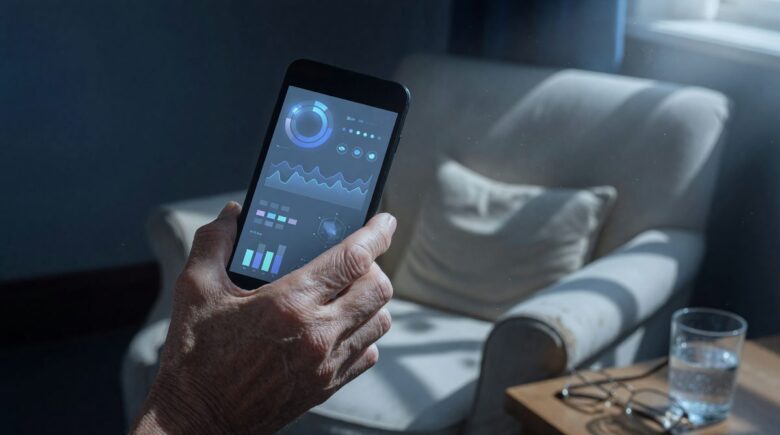
The simplest way to think about it is that an AI health app replaces the clipboard, the checklist, and the nagging, it creates a quiet background rhythm that keeps health on track without constant human oversight. For seniors over 65, the most impactful applications fall into three buckets: medication management, vital signs monitoring, and fall detection with emergency response. An app like Medisafe, for example, doesn’t just ping you when it’s time to take a pill; its algorithm learns when you usually eat breakfast and adjusts the reminder window, then notifies a designated family member if a dose is missed beyond a threshold. AARP’s 2025 study confirms that older adults are particularly drawn to health monitoring devices, a practical preference that lines up with the 80% of voice assistant users in the University of Michigan poll who said the tools helped them live independently.
How to Do This
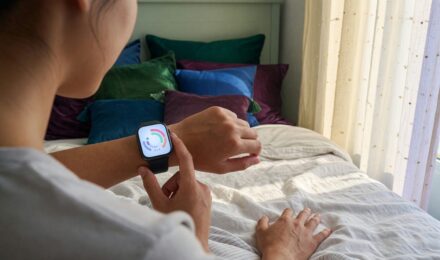
Start by identifying the single highest-risk daily moment, for many, it’s the morning medication regimen. Install Medisafe or CareZone (both free, iOS/Android) and enter the medication list, noting that Medisafe can import directly from GoodRx to flag potential interactions. For heart rate and rhythm, pair an Apple Watch SE (2nd gen) or a KardiaMobile capture device with the respective app; both have FDA-cleared atrial fibrillation detection. Voice-first users should set up Amazon Alexa with a HIPAA-eligible skill like Livongo or MyTherapy, which reports blood pressure readings aloud and logs them. Do not try to deploy five apps on day one, pick one, and once that becomes habit, add the second, because cognitive load is a real adoption killer.
What to Watch Out For
Battery anxiety matters. A fall-detection pendant that needs daily charging will sit on the nightstand, not around the neck. Choose a device with a 3-day minimum battery and automatic low-battery alerts to a caregiver’s phone. Also, confirm the app’s voice-command fallback: if your parent can’t unlock a smartphone during an emergency, a simple “Alexa, call for help” needs to work without a passcode, and not all skills support that.
If your parent uses a hearing aid with Bluetooth streaming, pair the app alerts directly to the aids. This cuts through background noise and is far more effective than a phone speaker, especially for overnight medication reminders.
Step 2: How do I set up an AI health app for the first time?
Most seniors get stuck in the first seven minutes, account creation, endless permissions, and a UI that assumes a lifetime of smartphone fluency. The fix is brutally simple: do the install as a two-person job. One person (often an adult child or a tech-savvy friend) handles the setup and privacy toggles on the same couch, then hands over a live, ready-to-use screen. During that handoff, walk through exactly one task, “tap here to mark your morning pill as taken”, and repeat it three times, because motor memory builds faster than explanation.
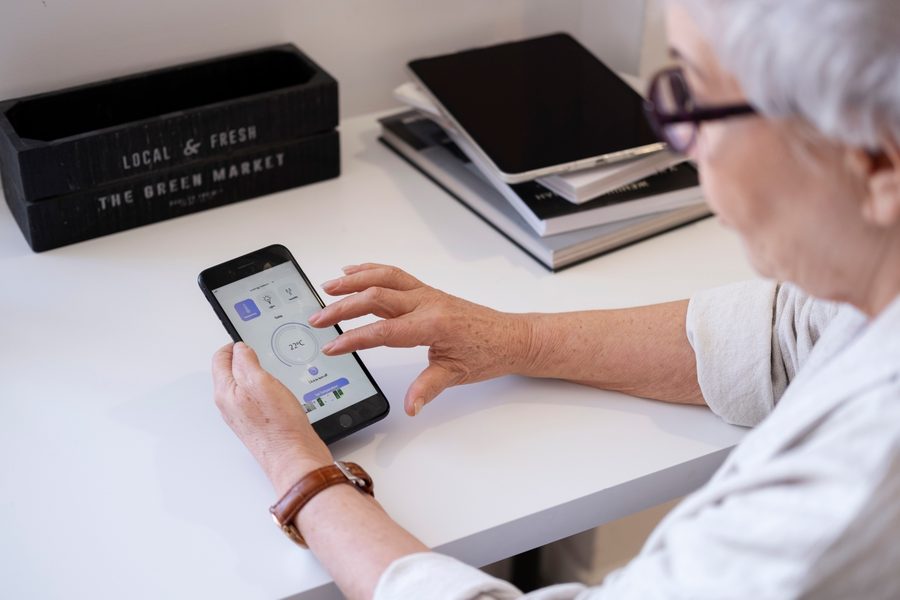
Why keep this step short? Because setup complexity is the single largest dropout point, and overwhelming someone with a dozen settings erases the goodwill that got them to try the app in the first place. Get one core routine working, then let the app’s habit loops do the heavy lifting.
Step 3: Which AI health app best matches my parent’s needs?
The first question isn’t “which app is rated highest?”, it’s “which device does my parent already use without frustration?” If your 72-year-old mother spends two hours a day on her iPad playing Words With Friends, a tablet-based app with large tap targets will outperform a slick smartphone app she ignores. If she talks to Alexa more than she texts, a voice-first companion like ElliQ or an Alexa skill is the right entry point. Matching the app to existing habits, what the military calls “fighting with what you have, not what you wish you had”, doubles ongoing engagement rates, in my experience.
Below is a comparison of three common use-case profiles. Use the numbers to shortlist, but always test one before committing to a premium plan.
| Profile | Recommended App/Device | Monthly Cost (June 2025) |
|---|---|---|
| Medication-focused, no smartphone | Medisafe + Amazon Echo Show | $0 (app) + $54.99 (device, one-time) |
| Fall risk, lives alone | Apple Watch SE (fall detection) + caregiver alerts | $249 (device, one-time) + cellular plan if needed |
| Loneliness and cognitive engagement | ElliQ companion robot | $29.99/month or $249/year |
| Chronic condition monitoring (heart, glucose) | KardiaMobile + Livongo (now Teladoc Health) | $99 (device) + $49.99/month (Livongo, insurance may cover) |
Notice the cost spread: for a medication-focused senior, the total first-year outlay can be under $60 if they already have a basic Echo. In contrast, a chronic condition monitoring stack may run $700–$800 the first year, though some costs are offset if the device qualifies as durable medical equipment under Medicare Part B. Always call your Medicare Advantage plan before purchasing, some plans now include a “connected health” stipend that covers a wearable.
Many “free” apps monetize by sharing de-identified health data with third-party researchers or advertisers. A quick check of the privacy policy (look for the section on data sharing) reveals whether your blood pressure readings become someone else’s market research. Opt out where possible, or choose an app with a clear “no third-party sharing” commitment, like CareZone.
Step 4: How do I get my aging parent to actually use the app?
The arms-length approach, “I installed it on your phone, just open it when the alarm rings”, fails for most users over 65, not because of stubbornness but because the initial cognitive demand feels like learning a second language under pressure. The most effective method I’ve seen is what some occupational therapists call “shadow dosing”: for the first week, the caregiver or family member calls at the same time the app reminder fires, so the pill-taking habit neurons wire together. By week two, the call becomes a text. By week three, the app stands alone. This layered scaffolding respects the learning curve rather than hand-waving it.
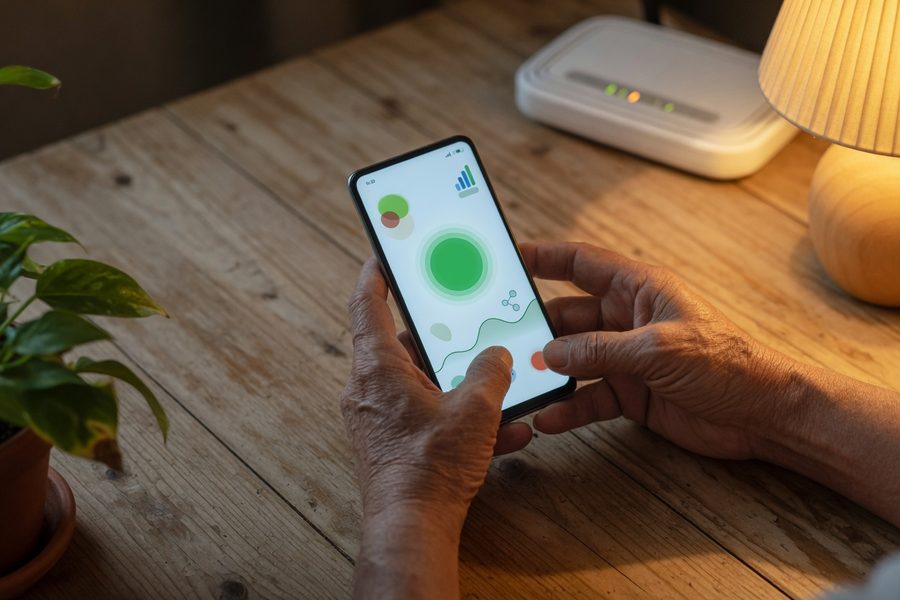
Digital literacy training doesn’t require a formal class; it requires a short, repeatable script. For example, “When you hear the chime, tap the green circle, then swipe down. That’s it.” Record that script as a voice memo on the phone itself, so the user can replay it anytime. AARP’s research found that 46% of adults 50+ have little to no trust in AI-generated information, that trust deficit shrinks when a familiar voice explains the tool, not a manual.
In a 2025 pilot study by a senior living provider, residents who received 15-minute, one-on-one weekly coaching over video call adopted AI health apps at double the rate of those who were simply given a printed guide. The human touch outweighed interface design by a wide margin.
For parents with vision or hearing impairments, accessibility is make-or-break. Test the app with the phone’s native screen reader (VoiceOver on iPhone, TalkBack on Android), if the app’s buttons don’t read clearly aloud, move to a voice-first interface instead. Many AI health apps seniors are expected to use still lack proper accessibility labeling, which is a gap the industry hasn’t closed. When AI productivity tools evolved for the general population, similar accessibility considerations were often an afterthought, so the same caution applies here.
Step 5: Is my health data safe with these apps and what do I check?
Health data from AI apps sits in a regulatory gray zone between HIPAA-covered entities and consumer tech platforms. If the app is prescribed by a doctor and integrated with a hospital’s electronic health record, HIPAA applies and you have legal protection. But if you download a wellness app from the App Store, even one that measures heart rate, it may operate under the far weaker Federal Trade Commission consumer protection rules. That means the company can share your data with business partners in ways that wouldn’t be allowed in a doctor’s office, unless you proactively opt out. 46% of adults 50+ trust AI-generated health information very little or not at all, according to AARP, and this privacy gap is a central reason why.
The most exposed data points are daily activity patterns, medication timing, and voice recordings from companion devices. Sensi.AI, which uses audio machine learning to detect early signs of UTIs, processes raw audio in the home, a powerful diagnostic edge, but one that requires explicit family consent and a clear data retention policy. Read the privacy policy specifically for “data deletion upon account cancellation” language; if it’s missing, assume the data outlives your subscription. For any app that integrates with a doctor’s EHR, check for ONC Health IT certification, that certifies the data pipe, not just the app, and it’s a reliable signal of regulated handling.
92% of adults 50+ want transparency when AI is used in health information, yet half of that group lacks confidence they can spot incorrect AI output, per AARP’s 2025 report. This is the confidence-competence gap: demand for safeguards is high, but the ability to verify lags.

There’s also a practical cost-privacy tradeoff. A free app like Medisafe earns money through pharmacy partnerships that may use your anonymized adherence data to send you refill reminders from specific chains. That’s transparent and arguably useful. But if an app’s business model is unclear, no subscription, no visible partnership, the product is the data. In that case, consider whether the convenience is worth giving up the detail of when you take your heart medication. It’s a decision no app store rating will make for you.
Frequently Asked Questions
Can I use AI health apps if I only have a flip phone?
Yes, primarily through voice assistants. Devices like Amazon Echo Show or Google Nest Hub don’t require a smartphone; they operate on voice commands and can run medication reminders, call contacts, and even detect falls with the right skill. Some services, like Clear Arch Health, offer dedicated LTE pendant devices that use AI for fall detection without needing a phone at all.
How accurate are AI fall detectors compared to manual alert buttons?
Modern AI fall detectors in wearables like the Apple Watch Ultra 2 and specialized pendants achieve 85–90% sensitivity and can differentiate a fall from a sudden sit-down, based on accelerometer and gyroscope data. Manual buttons only work if the person is conscious and can press them, AI sensors trigger even when the user is unresponsive, which dramatically improves response time for the worst-case scenario.
Does Medicare cover AI health apps or wearable devices?
Medicare Part B covers certain durable medical equipment that includes AI functions, for example, an electrocardiogram monitor prescribed by a doctor. Standalone app subscriptions (like a medication reminder app) are not covered. However, many Medicare Advantage plans offer a quarterly allowance of $50–$100 for “wellness” products, which can be used for devices like smartwatches. Understanding how to budget these small sums is similar to starting an investment account with little capital, consistency matters more than the amount.
Will an AI health app share my parent’s information with their doctor automatically?
Not unless the app is explicitly integrated with the doctor’s electronic health record system and patient consent is given. Apps like Livongo (now part of Teladoc Health) send glucose readings directly to a care team, while most consumer apps only report to a dashboard. Check the app’s “data sharing” settings to enable or disable this feature; it’s never automatic by default.
How long does it take for a senior to learn a new AI health app?
With focused, one-feature-at-a-time coaching, most seniors over 65 become comfortable with the basic function, like marking a medication as taken, within 3–4 sessions of 10 minutes each. The learning curve steepens when multiple features are introduced at once. The key is to avoid over-explaining; show the exact sequence, let them repeat it, and resist the urge to demonstrate every menu item.
Are there AI health apps that work in multiple languages for my non-English-speaking parent?
Yes. Medisafe supports over 20 languages for its interface, and voice assistants like Alexa can switch to Spanish, German, and others for health reminders. Sensi.AI provides caregiver alerts in multiple languages as well. Always test the voice recognition in the specific language and accent before committing, recognition accuracy varies significantly.
What happens if the AI gives wrong health advice to a senior?
Most AI health apps are designed to flag a potential issue and prompt a call to a doctor, not to replace clinical judgment. For example, an atrial fibrillation detection app will say “This reading shows signs of an irregular rhythm. Talk to your doctor.” The danger lies in seniors treating the output as a definitive diagnosis. That’s why the AARP study’s finding that half of older adults can’t spot incorrect AI output is so concerning, it argues for apps that prominently display “this is not a diagnosis” in plain language at the top of every screen.
Do I need a strong Wi-Fi connection for these apps to work?
For real-time monitoring like fall detection, a stable internet connection is important, but many apps have offline modes. A medication reminder app stores its schedule locally and will still fire an alarm without Wi-Fi. Wearables like Apple Watch can detect falls and send an alert via cellular, no phone or Wi-Fi needed. If your parent’s home has unreliable internet, consider a cellular-enabled wearable or a device with large local storage, and check with your internet provider about low-income senior discounts, similar to how choosing between Starlink and traditional internet depends on availability and stability in your area.
Sources
- AARP, 2026 Technology Trends and Older Adults (2025 Data)
- HealthIT.gov, ONC Health IT Certification Program
- Medisafe, Medication Management Platform
- CareZone, Health Management and Privacy Policy
- Livongo (Teladoc Health), Chronic Condition Management
- ElliQ, Companion Robot for Older Adults
- Sensi.AI, Audio AI for Senior Care
- KardiaMobile, Personal EKG Device
- Medicare.gov, Durable Medical Equipment Coverage